✦ HOW IT WORKS
See it in action.
Pick a product below and watch the try-on unfold — right on this page. This is exactly what your shoppers see and interact with when Amora is installed on your storefront.
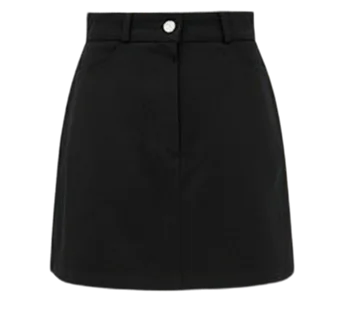
MAISON RUE
Print Slip Skirt
₹2,490
Click the Try On button on the image to launch the widget. Once the result renders, the small thumbnail in the top-right lets the shopper swap back to the original.
Demo results are pre-generated to keep it snappy. On a real storefront, the widget renders in ~10–12 seconds against Amora's live AI.

01
Shopper picks a product
The Amora "Try On" button sits directly on the product image on every enabled product page.
02
They upload a photo
One photo, front-facing. Auto-deleted after seven days.
03
Try-on renders in seconds
The garment lands on their own body — face, hair, and skin tone preserved. Ready to buy.